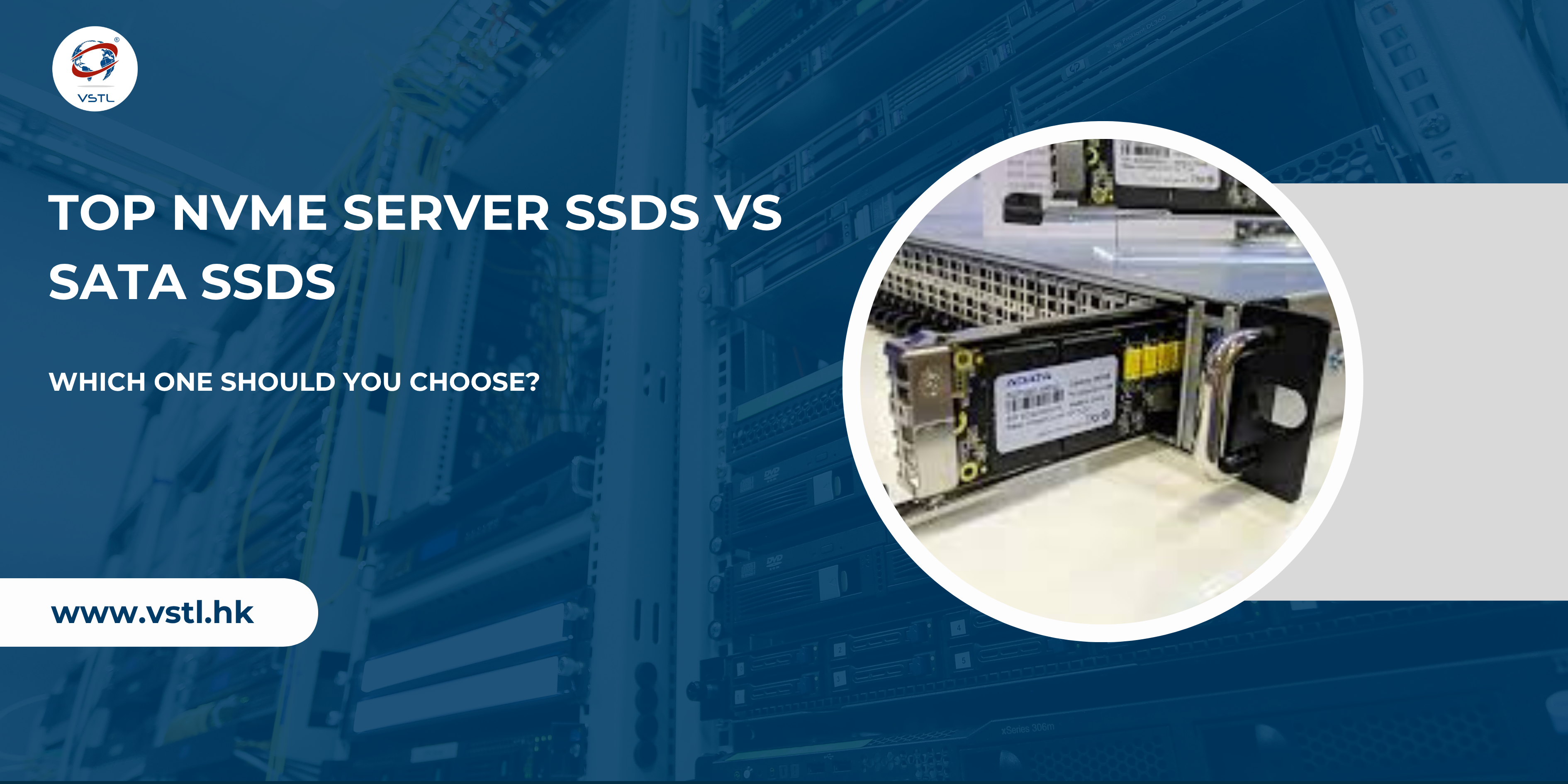
In today’s data-driven world, choosing the right storage solution for your server is critical. Whether you’re running a data center, managing enterprise workloads, or scaling a cloud infrastructure, your storage directly impacts performance, speed, and reliability.
Two of the most popular storage options are NVMe SSDs and SATA SSDs. But which one is right for your business?
In this blog, we’ll break down everything you need to know about NVMe vs SATA SSDs—so you can make the best decision for your server environment.
What is a Server SSD?
A Server SSD (Solid State Drive) is a storage device designed for enterprise workloads. Unlike traditional hard drives, SSDs use NAND flash memory, offering:
- Faster data access
- Lower latency
- Higher durability
- Better energy efficiency
However, not all SSDs are the same. The biggest difference comes from the interface and protocol—this is where NVMe and SATA come in.
What is a SATA SSD?
SATA (Serial ATA) is an older storage interface originally designed for hard drives.
- Uses SATA III interface (6 Gbps)
- Max speed: ~550 MB/s
- Uses AHCI protocol
- Limited to 1 queue with 32 commands
Even though SATA SSDs are much faster than HDDs, they are limited by legacy technology.
Advantages of SATA SSDs
- Affordable and budget-friendly
- Widely compatible with older servers
- Stable and reliable for basic workloads
Limitations
- Lower speed compared to NVMe
- Higher latency (~100 µs)
- Limited scalability
What is an NVMe SSD?
NVMe (Non-Volatile Memory Express) is a modern protocol built specifically for SSDs.
- Uses PCIe interface (direct CPU connection)
- Speeds up to 7,000–14,000 MB/s (Gen4/Gen5)
- Extremely low latency (10–20 µs)
- Supports massive parallelism
Unlike SATA, NVMe is designed to fully unlock SSD performance.
✔️ Advantages of NVMe SSDs
- Ultra-fast read/write speeds
- High IOPS (up to 1M+)
- Low latency
- Ideal for heavy workloads
❌ Limitations
- Higher cost
- Requires modern hardware support
- May need better cooling
NVMe vs SATA SSD: Key Differences
| Feature | NVMe SSD | SATA SSD |
|---|---|---|
| Interface | PCIe | SATA III |
| Speed | Up to 14,000 MB/s | ~550 MB/s |
| Latency | 10–20 µs | 100–120 µs |
| IOPS | Up to 1,000,000+ | ~100,000 |
| Queue Depth | 64K queues | 1 queue |
| Cost | Higher | Lower |
👉 NVMe drives can be 10–20x faster than SATA SSDs in real-world workloads.
Performance Comparison (Real-World Use Cases)
1. Database Servers
- NVMe: Handles large queries faster
- SATA: Slower under heavy load
👉 NVMe is ideal for MySQL, Oracle, and SQL workloads
2. Virtualization (VMware, Hyper-V)
- NVMe: Supports multiple VMs smoothly
- SATA: Bottlenecks under concurrency
👉 NVMe wins due to high parallel processing
3. Web Hosting & Cloud Servers
- NVMe: Faster website loading & response time
- SATA: Works fine for small websites
👉 NVMe improves performance and SEO rankings
4. Backup & Storage Servers
- NVMe: Overkill for simple storage
- SATA: Cost-effective choice
👉 SATA is better for archival data
Cost vs Performance
Let’s be real—budget matters.
- SATA SSDs are cheaper per GB
- NVMe SSDs are expensive but powerful
However, NVMe offers better cost-per-performance for demanding workloads.
👉 If your business depends on speed, NVMe is worth the investment.
👉 If you need bulk storage, SATA is more economical.
When Should You Choose NVMe SSDs?
Choose NVMe if you need:
- High-speed data processing
- AI / Machine Learning workloads
- Big data analytics
- High-traffic websites
- Real-time applications
👉 NVMe excels in environments where speed and scalability are critical
When Should You Choose SATA SSDs?
Choose SATA if you need:
- Budget-friendly storage
- Backup or archival systems
- Basic business applications
- Older server compatibility
👉 SATA is perfect for cost-sensitive deployments
NVMe vs SATA: Which One Should You Choose?
Here’s the simplest way to decide:
- 🚀 Go with NVMe → If performance is your priority
- 💰 Go with SATA → If budget is your priority
Final Verdict:
- For modern data centers → NVMe is the future
- For traditional storage → SATA still works well
Future Trends in Server Storage
- NVMe is becoming the industry standard
- PCIe Gen5 SSDs are pushing speeds beyond 14GB/s
- Data centers are shifting to NVMe for efficiency
- SATA is gradually being phased out in high-performance environments
Conclusion
Both NVMe and SATA SSDs have their place in the server ecosystem.
- NVMe delivers unmatched speed, scalability, and performance
- SATA provides affordable and reliable storage
The right choice depends on your business needs.
👉 If you want maximum performance and future-proof infrastructure, NVMe is the clear winner.
👉 If you want cost-effective storage for basic workloads, SATA is still a solid option.